Desktop app
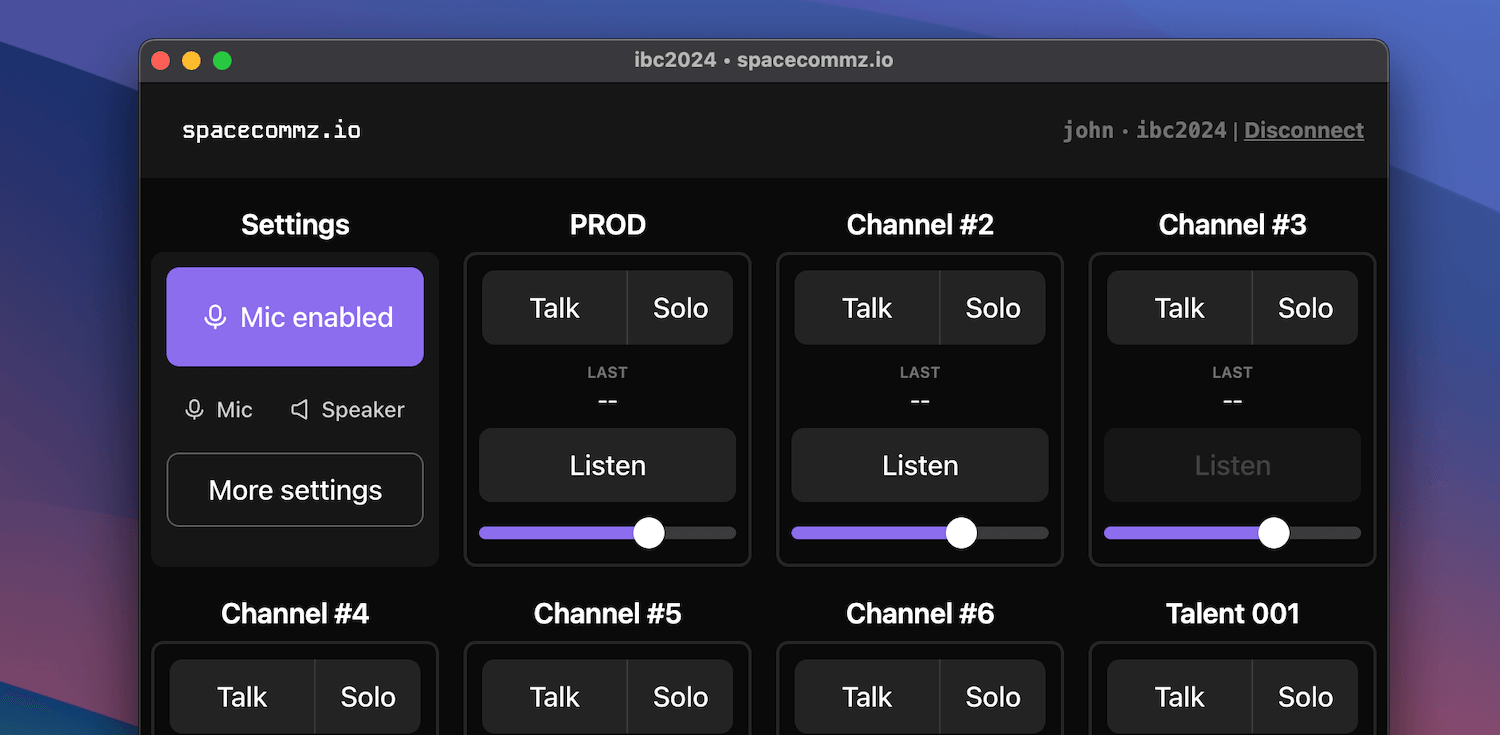
The spacecommz.io desktop app provides a powerful, native experience for managing your production communications on macOS and Windows. With low-latency audio, system integrations, and an optimized interface, the desktop app is perfect for broadcast professionals and production teams.
Download
macOS
Available Apple Silicon.
Windows
64-bit installer for Windows 10 and 11.
Installation
Installing on macOS
- Download the installer - Click the download link above to get the
.dmgfile - Open the DMG file - Double-click the downloaded file in your Downloads folder
- Drag to Applications - Drag the spacecommz.io app icon to the Applications folder
- Launch the app - Open your Applications folder and double-click spacecommz.io
- Security prompt - If you see a security warning, go to System Settings > Privacy & Security and click “Open Anyway”
Installing on Windows
- Download the installer - Click the download link above to get the
.exefile - Run the installer - Double-click the downloaded file in your Downloads folder
- User Account Control - Click “Yes” if prompted by Windows security
- Follow the setup wizard - Choose your installation location (default recommended)
- Launch the app - The app will launch automatically after installation, or find it in your Start Menu
Changelog
v1.0.0
- Initial release