Assign talent in Zoom, drive party lines from Companion
Talent assignment moves into the Zoom integration, active party lines become controllable from Companion, and the mic and speaker selector gets a rebuild.
• John Barker
This release is mostly about the places spacecommz.io meets the rest of your kit.
Talent assignment inside Zoom
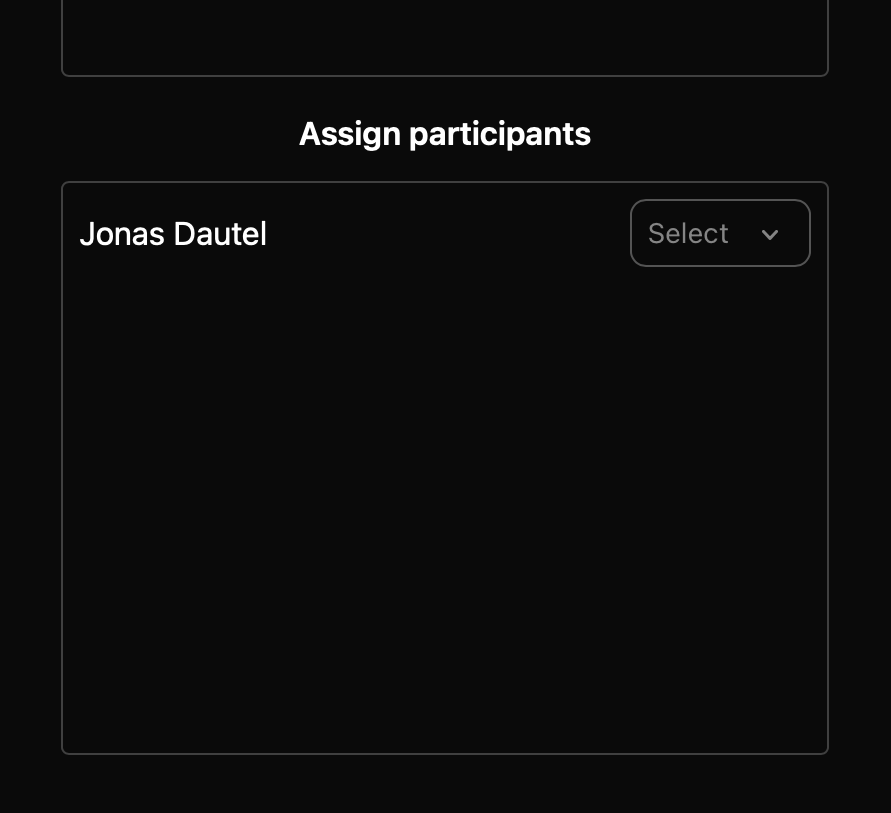
If you bring remote guests in over Zoom, you can now assign talent directly within the Zoom integration. No jumping between windows to line things up.
We’ve also tightened up how the integration handles participants joining and leaving mid-call, which was previously the source of some avoidable confusion when a guest dropped and rejoined.
Party lines on your Stream Deck
The Companion module can now control active party lines. If you run your show from a Stream Deck, your party lines are now buttons like everything else, which is a good deal faster than reaching for a mouse mid-show.
Settings that remember you
Party line settings now persist between sessions. Set things up how you like them once, and they’ll be waiting next time rather than needing a reset every show.
A rebuilt selector
We’ve also rebuilt the microphone and speaker selector interface, including a dedicated version for talent links. Talent joining a show tend to be the least technical people on the call, and the selector they see now reflects that.
Full details for both integrations are in the documentation.